Scratch, ScratchJr, Code.org and Looponi: which to choose for your child
A comparison of four free tools for teaching children to code: what age they suit, what they teach and when to pick which. An honest one, including where the others are better.
Updated:
All four tools are free and good. They differ in what the child does in them, so the choice depends on the goal.
A quick comparison
| Tool | Age | What the child does | Best when… |
|---|---|---|---|
| ScratchJr | 5–7 | joins picture blocks, animates characters | the child can't read yet |
| Scratch | from about 8 | creates their own games, animations and stories | the child wants to build something and show it to others |
| Code.org | from preschool to high school | works through courses of step-by-step puzzles | you need a ready-made course, including for school |
| Looponi | from first grade to high school | builds an algorithm as a flowchart, predicts the result, traces the run | the goal is to understand algorithms |
Scratch and ScratchJr
Scratch was created at MIT and is the most popular block-based language in the world. Its strength is creating: the child makes their own game or animation and publishes it in a large community. ScratchJr is a simplified version for tablets, for children aged 5–7, with blocks that have no text.
In Scratch it is easy to make something impressive without understanding why it works. That is not a flaw in the tool. It follows from the fact that the tool is for creating.
Code.org
Code.org is a non-profit organisation known for the “Hour of Code”. It offers structured courses with short puzzles, and materials for teachers. It works well in the classroom and when a parent wants a ready-made path.
Looponi
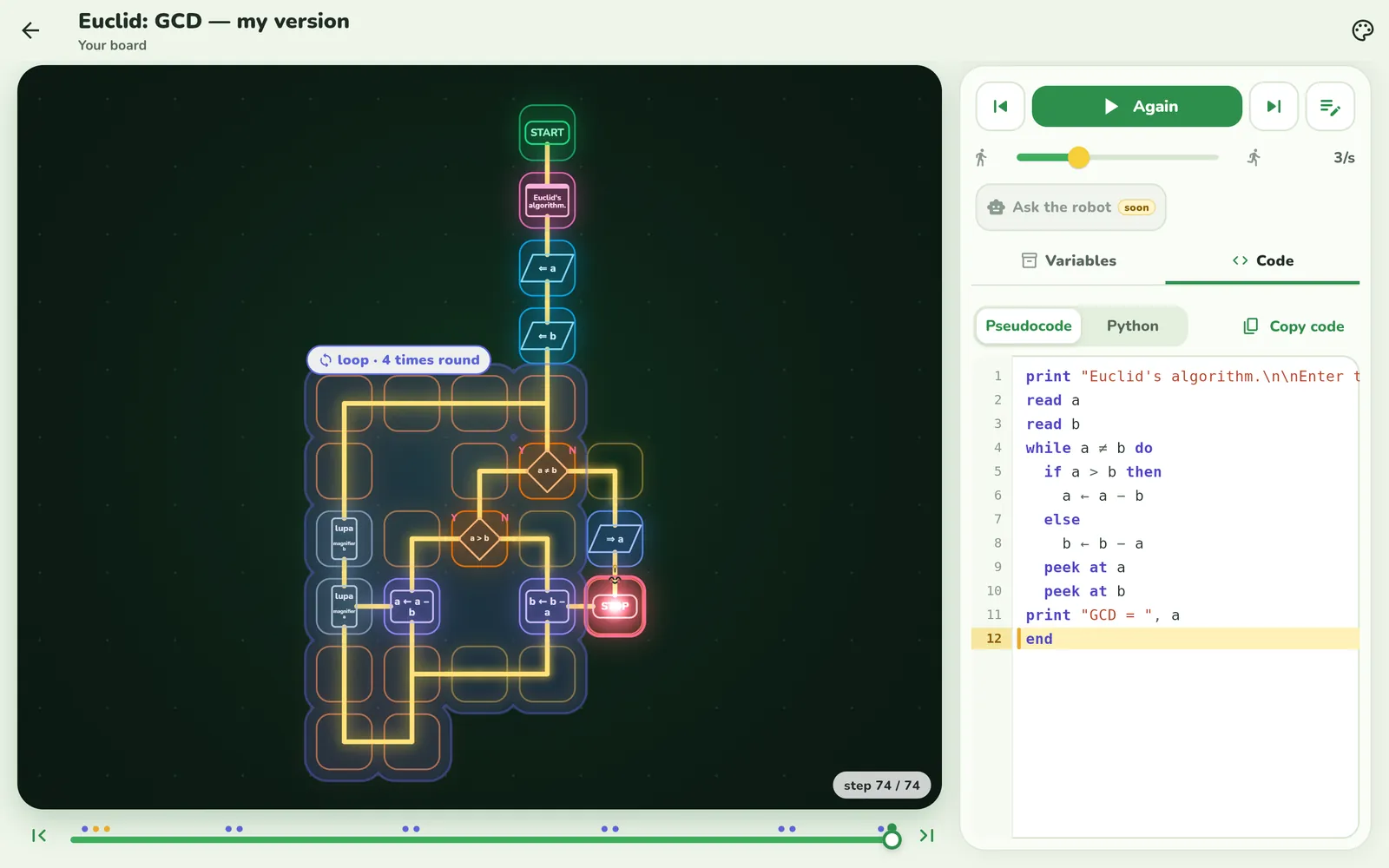
Looponi focuses on one thing: the child understanding how an algorithm works. A program is a flowchart on a board. Before the run the child guesses the result, then the token travels through the blocks and the variables change next to it. There are tasks about finding a bug and about “breaking” someone else's program with tricky inputs. Older children get as far as Euclid's GCD, binary search, sorting and recursion, and they can view every board as Python code.
Looponi is not for making games with characters and sound. It also has no community with other children's projects.
Which to choose
- The child wants to create games and animations: Scratch, or ScratchJr before they learn to read.
- You need a course for school or for a club: Code.org.
- The child should understand loops, conditions and classic algorithms: Looponi.
- Best together: creating in Scratch and understanding in Looponi don't rule each other out.
Frequently asked questions
Which is better for a 7-year-old: Scratch or ScratchJr?
For a child who is only just learning to read, ScratchJr, because its blocks have pictures instead of words. Scratch is designed for children from about age 8.
Does Looponi replace Scratch?
No. Scratch is for creating your own games and animations, and Looponi is for learning algorithms: predicting, tracing and fixing a program. They complement each other well.
Which of these tools are free?
All four: Scratch, ScratchJr, the Code.org courses and Looponi are free.
What should I choose if my child is going to learn Python later?
It helps if they already understand loops, decisions and variables well. Looponi shows the same algorithm as a flowchart and as Python code, so the move is gentle.